AI Images / Image to image
Take your image in a new direction
Upload an image and describe what you want to change. Explore new backgrounds and styles while keeping a visual starting point.
Sign in to createExplore freely. Sign in when you are ready to create.
- Build on an existing image
- Guide changes with a written prompt
- Preserve important subject details when needed
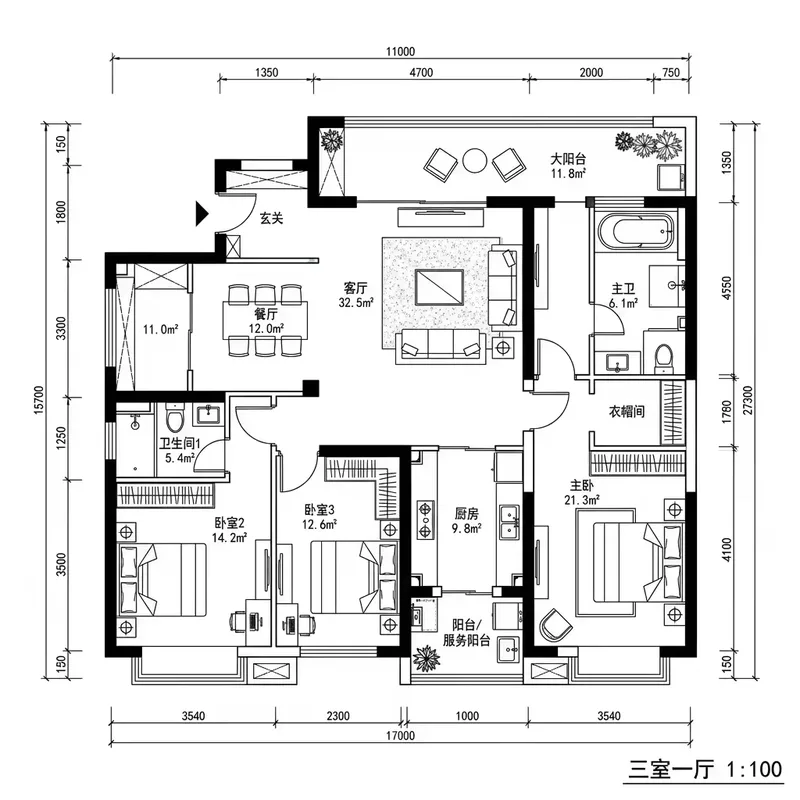
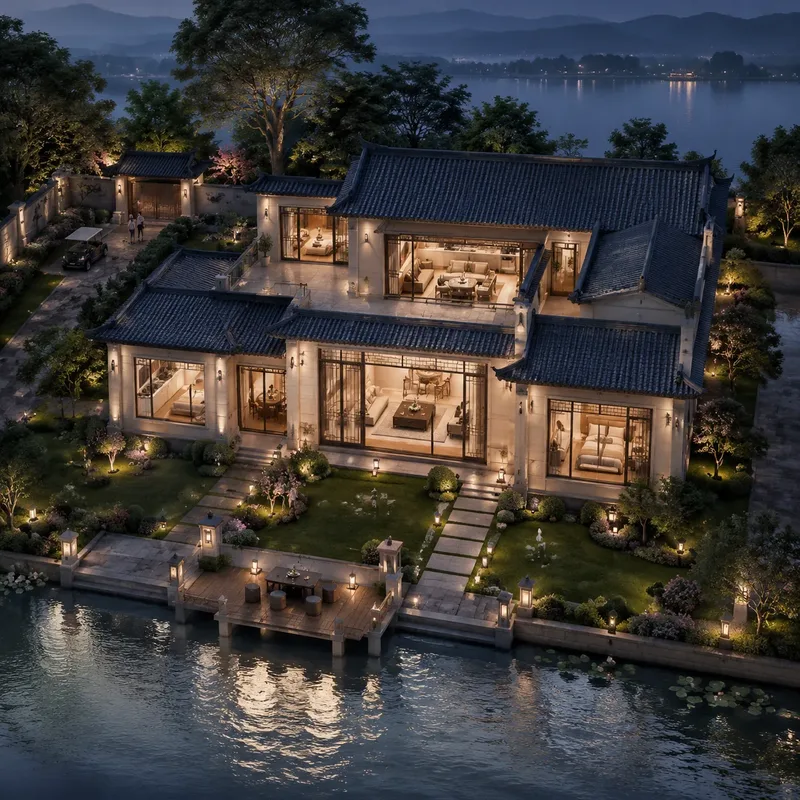
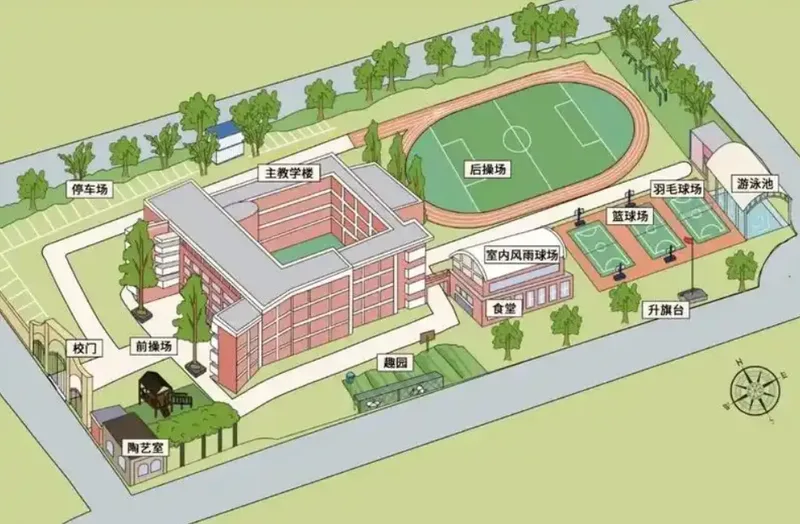
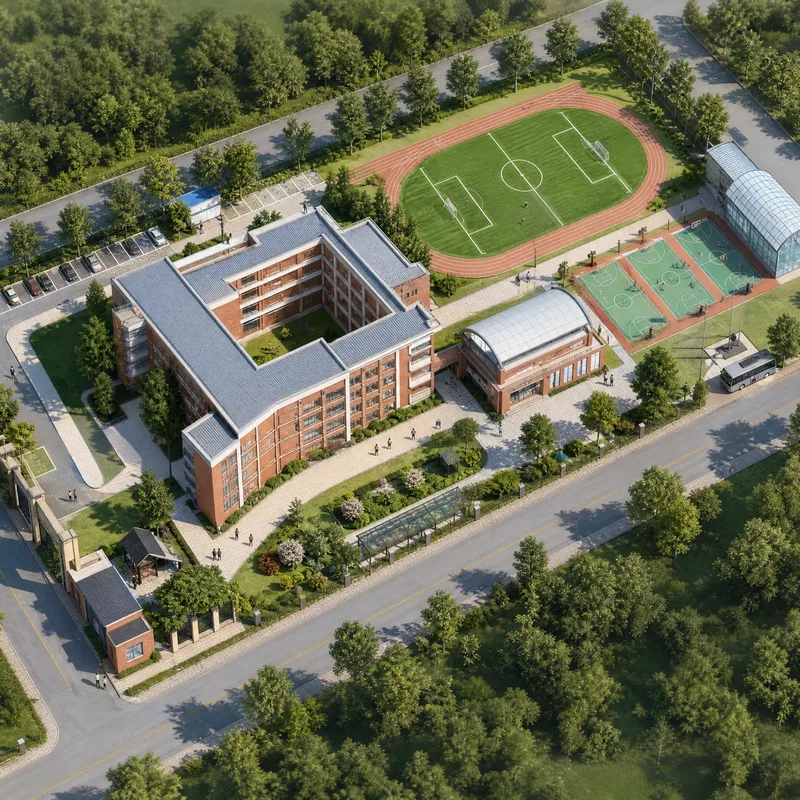
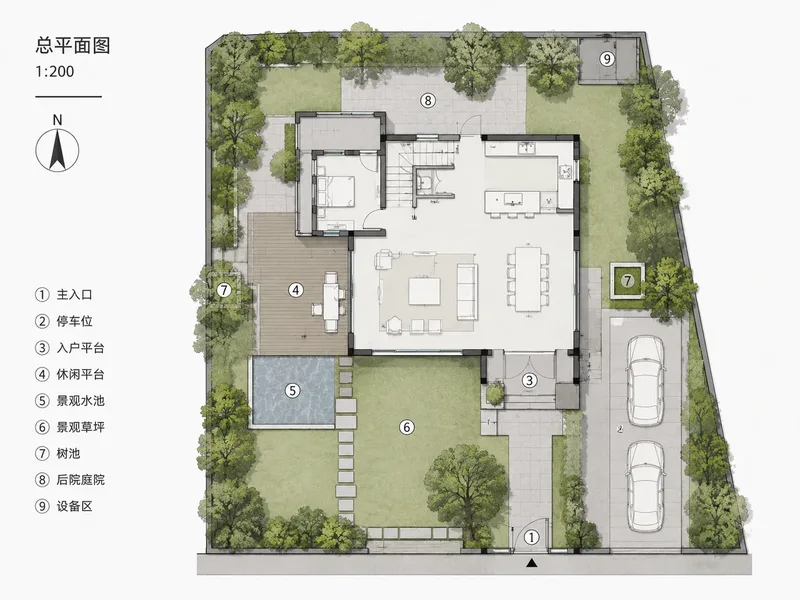
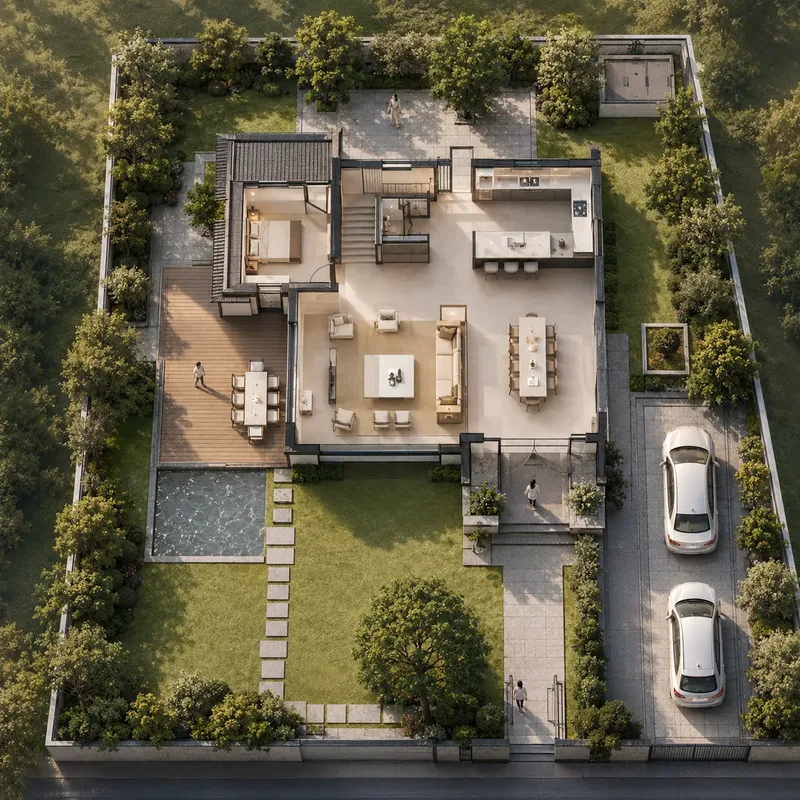
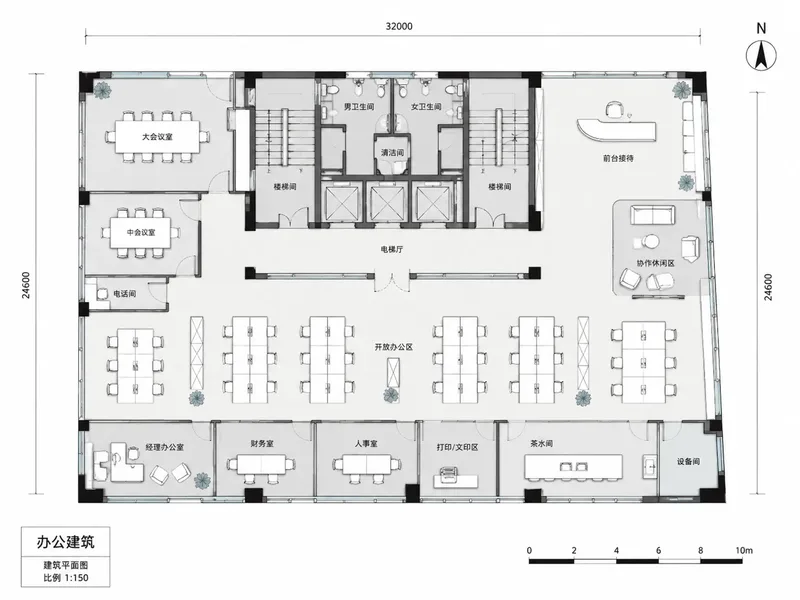
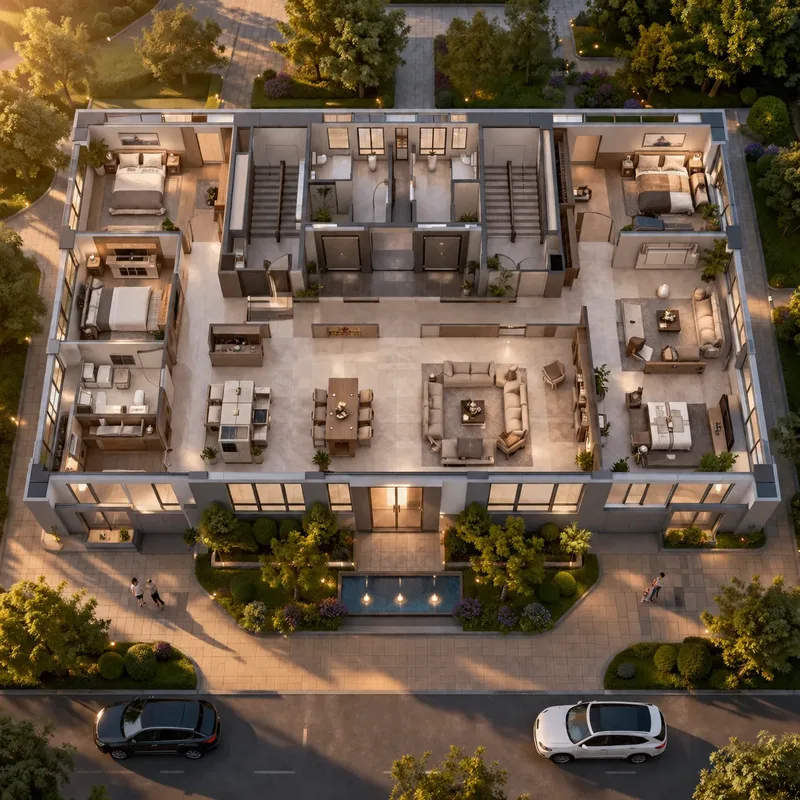
Example prompt
Turn the floor-plan reference into a photorealistic architectural rendering, keeping its layout and proportions.
From idea to image
- 01
Upload an image
Use a clear JPG, PNG or WebP image, up to 10 MB.
- 02
Describe your changes
Explain which background, style or elements to change and which details to keep.
- 03
Review and generate
Choose your output settings, check the credit cost and submit your creation.
Know the cost before you create
Choose GPT Image 2 or GPT Image 2.5, with 1K, 2K, 4K and multiple aspect ratios.
Credits are charged on submission. Failed generations are automatically refunded.
1K
12
credits / image
2K
20
credits / image
4K
32
credits / image